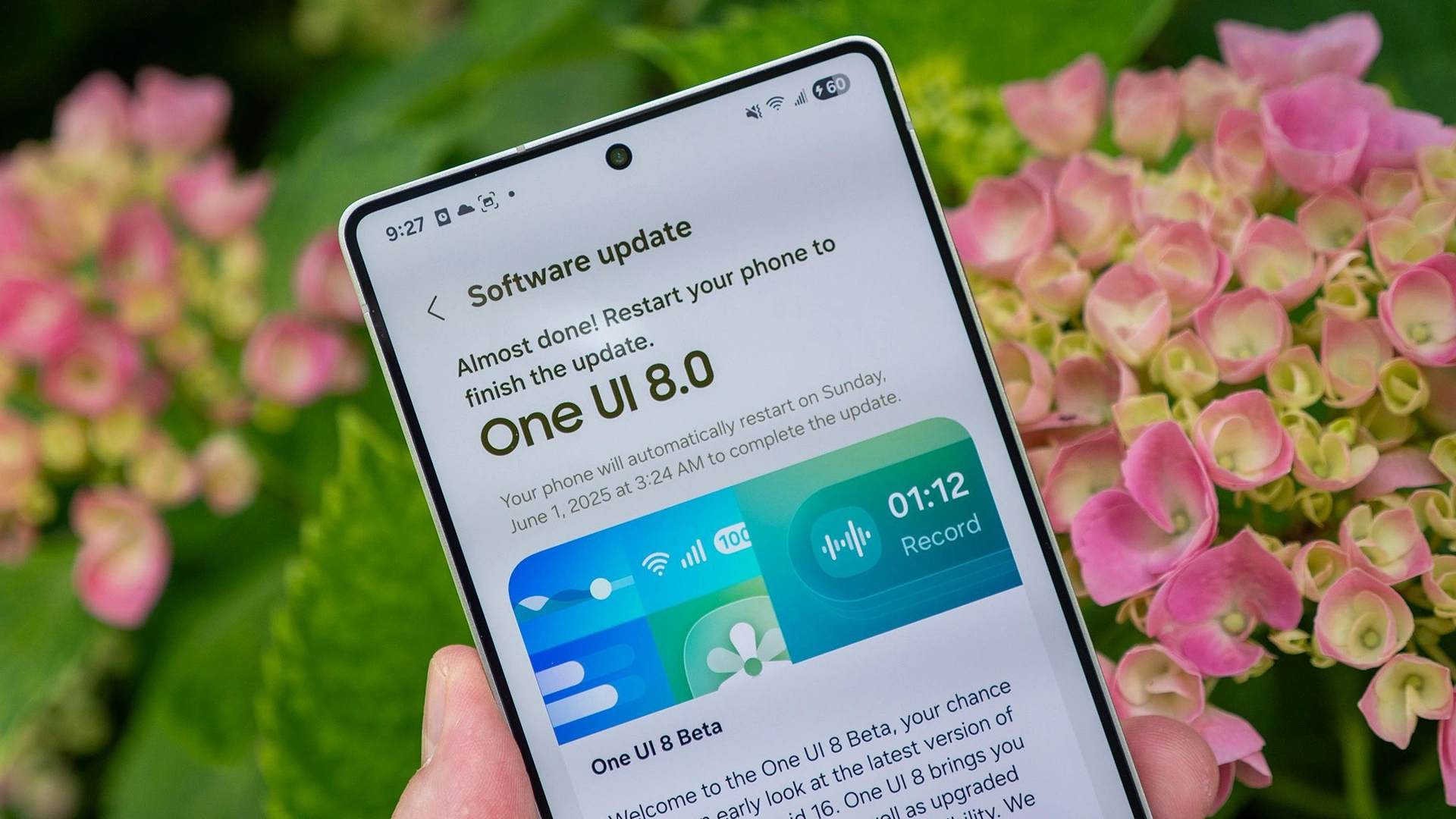
Samsung has widened the reach of its latest One UI 8.5 beta programme, bringing the Android 16 based software experience to a broader range of Galaxy devices. After initially rolling out alongside the Galaxy S26 series and opening beta access to select flagship models, the company is now extending the programme to more smartphones and tablets, signalling a faster and more inclusive update strategy.
The expanded beta now includes the Galaxy S24 series, Galaxy Z Fold6, Galaxy Z Flip6, Galaxy S25 FE, Galaxy S24 FE and the Galaxy Tab S11 lineup. This move reflects Samsung’s continued commitment to keeping its ecosystem up to date with the latest features, security enhancements and cross device integration improvements.
Wider Rollout Signals Strong Software Commitment
Samsung’s decision to expand the One UI 8.5 beta programme comes shortly after introducing the new Galaxy S26 series with the latest Android 16 based interface. Initially limited to newer devices such as the Galaxy S25 series and foldable flagships like the Galaxy Z Fold7 and Galaxy Z Flip7, the beta programme is now reaching a significantly larger user base.
By including previous generation flagships and Fan Edition devices, Samsung is ensuring that users do not feel left behind in terms of software innovation. This strategy aligns with the company’s recent push to improve software longevity and deliver timely updates across its product ecosystem.
Smarter Photo Editing With Continuous Workflow
One of the standout additions in One UI 8.5 is the improved Photos Assist feature. Samsung has redesigned the editing workflow to make it more seamless and user friendly. Instead of saving edits after each change, users can now continuously modify their photos without interruption.
Once editing is complete, users can review the full edit history and choose their preferred version. This not only enhances creativity but also saves time, making the experience closer to professional editing tools while remaining accessible to everyday users.
Intelligent Sharing With Enhanced Quick Share
Samsung has also upgraded its Quick Share feature by integrating smarter contact recognition. With user permission, the system can identify people in photos using facial recognition and suggest sharing those images directly with relevant contacts.
This intuitive approach simplifies the sharing process and reduces the steps needed to send photos to friends and family. It reflects a broader industry trend where artificial intelligence is used to anticipate user behaviour and streamline everyday tasks.
Audio Broadcast Brings Walkie Talkie Like Communication
Another notable feature is Audio Broadcast, which leverages Bluetooth Low Energy Audio technology through Auracast. This allows Galaxy devices to connect seamlessly with nearby compatible devices and share audio streams.
More importantly, users can now broadcast their voice using the phone’s built in microphone. This effectively turns the device into a walkie talkie like communication tool, making it especially useful for group activities such as tours, events or team coordination scenarios.
Storage Share Strengthens Ecosystem Integration
Samsung continues to enhance its ecosystem experience with the introduction of Storage Share. This feature enables users to view and access files from other connected Galaxy devices directly within the My Files app.
Whether it is a tablet, PC or even a compatible television, users can interact with their files across devices without needing manual transfers. This creates a more unified and efficient workflow, reinforcing Samsung’s vision of a connected digital environment.
Advanced Theft Protection Adds Layered Security
Security remains a major focus in One UI 8.5. The update introduces a robust Theft Protection system designed to safeguard user data in case of loss or theft.
A key component is the Failed Authentication Lock, which automatically locks the device after multiple unsuccessful attempts to unlock it using fingerprint, PIN or password. Additionally, the system performs random identity checks, adding an extra layer of verification to ensure that only authorised users can access sensitive information.
These measures highlight Samsung’s emphasis on proactive security rather than reactive solutions.
How Users Can Join the Beta Programme
Samsung users interested in trying out One UI 8.5 can enrol through the Samsung Members app. The beta programme is currently available in select markets including India, the United Kingdom, South Korea and the United States.
As with any beta software, users are advised to expect minor bugs and performance inconsistencies. However, participation offers an early look at upcoming features and allows users to contribute feedback that helps refine the final release.
A Step Forward in Software Experience
With One UI 8.5, Samsung is not just delivering incremental updates but redefining how users interact with their devices. From smarter sharing and enhanced editing tools to stronger security and deeper ecosystem integration, the update represents a comprehensive upgrade.
The expanded beta rollout ensures that more users can experience these improvements early, reinforcing Samsung’s position as a leader in long term software support and innovation in the Android ecosystem.