Urgent Chrome Update Targets Multiple Critical Vulnerabilities Across Platforms
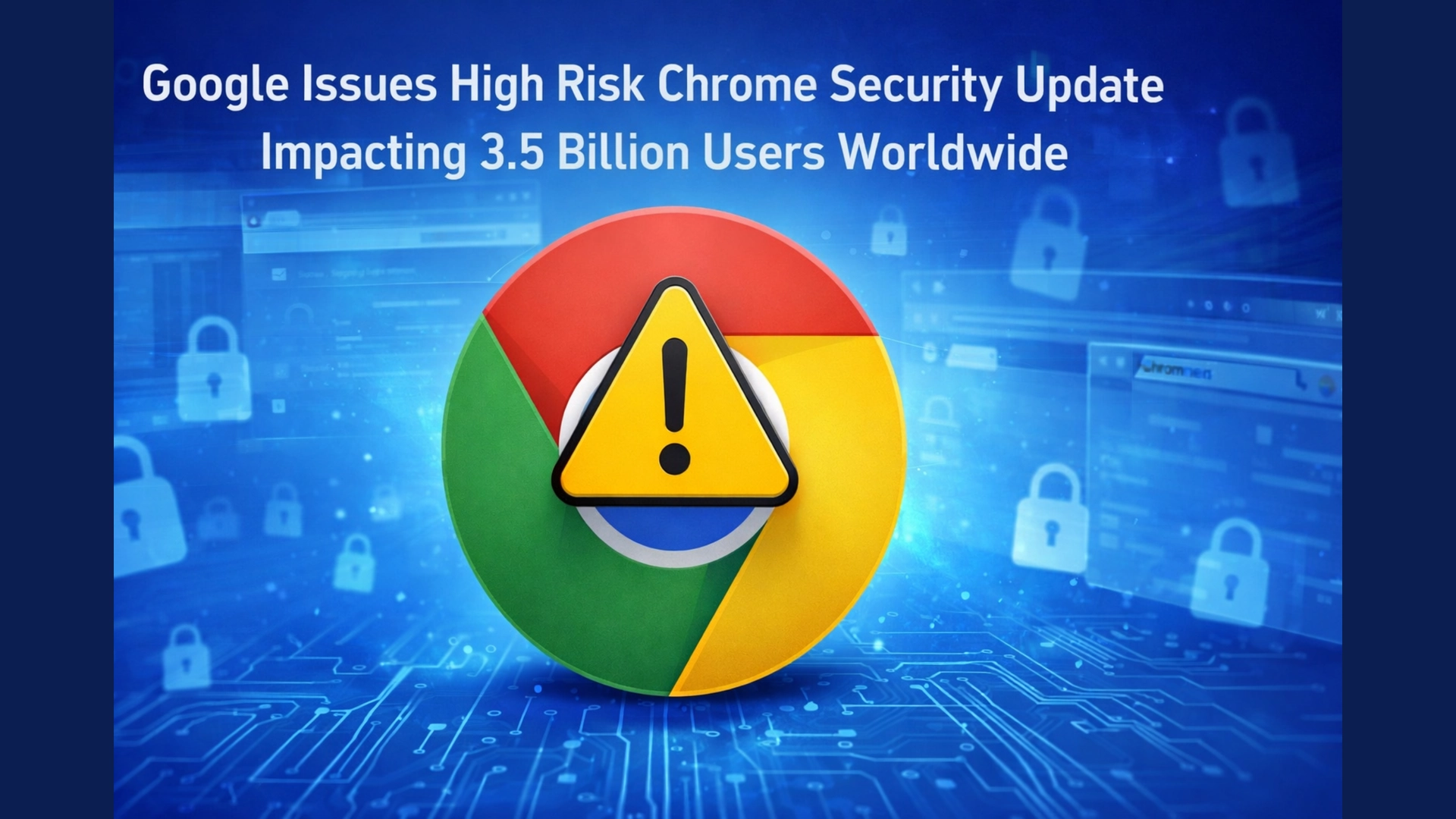
In a significant move to strengthen global browser security, Google has confirmed the rollout of a high risk security update for its Chrome browser, affecting nearly 3.5 billion users worldwide. The update addresses eight serious vulnerabilities identified across core components of the browser, reinforcing the importance of immediate user action despite automatic update mechanisms.
According to official confirmations from Google’s security team, the latest Chrome versions now being deployed include version 146.0.7680.164 and 146.0.7680.165 for Windows and Mac users, along with version 146.0.7680.164 for Linux systems. Android users are also receiving a corresponding update under version 146.0.76380.164.
While none of the vulnerabilities have been classified as zero day threats or actively exploited in the wild, all eight carry high severity ratings under the Common Vulnerability Scoring System. This alone places the update in a critical category, demanding prompt attention from users across all devices.
Breakdown of Chrome Vulnerabilities Reveals Widespread Risk Surface
The vulnerabilities patched in this update span multiple Chrome subsystems, highlighting how deeply integrated risks can impact modern web browsing. These include weaknesses in WebAudio, CSS rendering, WebGL, WebGPU, and even Chrome’s font handling system.
The identified vulnerabilities include:
- CVE 2026 4673: Heap buffer overflow in WebAudio
- CVE 2026 4674: Out of bounds read in CSS
- CVE 2026 4675: Heap buffer overflow in WebGL
- CVE 2026 4676: Use after free in WebGPU implementation
- CVE 2026 4677: Out of bounds read in WebAudio
- CVE 2026 4678: Use after free in WebGPU
- CVE 2026 4679: Integer overflow in Fonts
- CVE 2026 4680: Use after free in FedCM identity system
Security experts note that such vulnerabilities, if exploited, could allow attackers to execute arbitrary code, crash systems, or manipulate browser processes. Although Google has restricted detailed disclosure until most users receive the patch, the breadth of affected components signals a potentially large attack surface.
Automatic Updates May Not Be Enough as Google Urges Manual Check
One reassuring aspect is that Chrome typically updates automatically in the background. However, Google has clearly warned that the rollout may take days or even weeks to reach all users.
This delay creates a window of potential exposure, especially for users who have not restarted their browser recently. To eliminate uncertainty, users are strongly advised to manually trigger the update process.
The process is straightforward. Users can navigate to the Chrome menu, select Help, then About Google Chrome. The browser will automatically check for updates, download them if available, and prompt a relaunch. Importantly, the update does not take full effect until the browser is restarted.
For more details, refer to stable channel update for desktop.
ShadowPrompt Vulnerability Exposes New Threat From AI Powered Extensions
Alongside the Chrome update, new concerns have emerged around browser extensions, particularly those integrating artificial intelligence tools. A recently disclosed vulnerability known as ShadowPrompt exposed a serious flaw in the Claude AI Chrome extension developed by Anthropic.
Security researcher Oren Yomtov revealed that the flaw could allow malicious websites to inject hidden prompts into the extension without any user interaction. This zero click attack meant that simply visiting a compromised webpage could grant attackers control over browser level AI behavior.
The vulnerability was linked to an overly permissive origin allowlist combined with a cross site scripting issue in a CAPTCHA component provided by Arkose Labs.
Fortunately, the issue was responsibly disclosed and has now been fully patched. Users of the Claude extension are advised to ensure they are running version 1.0.41 or later to remain protected.
Rogue Extensions Remain a Persistent Threat in Chrome Ecosystem
Even as Google strengthens its core browser security, experts warn that extensions continue to represent a significant risk vector. Unlike built in browser components, extensions can change ownership or behavior over time, sometimes becoming malicious after initially being trustworthy.
A recent example involved the QuickLens extension, which initially gained popularity and even received a featured badge on the Chrome Web Store. However, after a change in ownership, it was rapidly transformed into a tool capable of data theft and malicious activity.
Google responded by removing the extension and disabling it across user systems. However, such incidents highlight how quickly trusted tools can become threats.
Learn more about similar threats in google zero day alert for 35 billion chrome users attacks underway.
Additional Protection Tools Offer Early Warning Against Extension Takeovers
To mitigate these risks, Google recommends enabling Enhanced Safe Browsing within Chrome’s security settings. This mode offers proactive protection against both known and emerging threats, including malicious extensions, phishing attempts, and harmful websites.
Security experts also suggest using monitoring tools to track changes in installed extensions. One such tool, the Under New Management extension, alerts users when an extension changes ownership or developer credentials.
While not all ownership changes are malicious, early visibility provides users with the opportunity to review permissions and decide whether to continue using the extension.
Why Immediate Action Matters for Chrome Users Globally
This layered approach combining browser updates, enhanced security settings, and extension monitoring reflects a broader shift toward proactive cybersecurity practices in everyday browsing.
Although there is currently no evidence of active exploitation, history has shown that high severity vulnerabilities can quickly become targets once publicly known. The scale of Chrome’s global user base only amplifies the potential impact.
Users are therefore strongly encouraged to act immediately by checking for updates, restarting their browser, and reviewing installed extensions. Simple steps taken today can prevent serious security incidents tomorrow.
In an era where browsers serve as gateways to personal, financial, and professional data, timely updates are no longer optional but essential.
Read related coverage: 11 million critical vulnerabilities exposed act now, critical flaw 875 million android phones at risk of 60 second hack.